Top Left Corner Top Right Corner

ArrowFile

Icon My Wish List Assistant | Icon My Account MY ACCOUNT | Icon My Basket MY BASKET: (Empty) | CHECKOUT Icon Checkout
 
Click here to Sign In | Site Map
Bottom Left Corner Bottom Right Corner
 
Left rounded corner Right corner
QUICK PRODUCT SEARCH
Enter keyword / code
 
PRODUCT CATEGORIES

NEW ADDITIONS

PHOTO ALBUMS

BINDER ALBUMS

POCKET REFILL SLEEVES

PHOTOGRAPHIC SUPPLIES (BATTERIES, FILMS, PHOTO FRAMES ETC)

COIN STORAGE - ARCHIVAL & DISPLAY

STAMP ALBUMS, REFILLS & ACCESSORIES

COLLECTABLES
(POSTCARDS, MEDALS, FIGURES ETC.)

CD STORAGE & DVD STORAGE

FAMILY HISTORY (GENEALOGY)

PORTFOLIOS

INDEXING

ACCESSORIES

SCRAPBOOKING
(HOBBY CRAFTS)

OFFICE SUPPLIES

VIEWING & DISPLAY (SLIDE PROJECTORS, LIGHTBOXES, PHOTO FRAMES ETC)

GIFT PRODUCTS

COLLECTOR STARTER KITS

 
Email Icon Tell a Friend
Bookmark Icon ADD TO FAVOURITE
Print Icon PRINT
 
You are here: Home > Information Pages > CD Tips
CD Tips

Tips on Organising CDs:

FACTS:

1. To replace your treasured CD collection can be a very costly and time consuming if not impossible exercise.

2. That CDs would last a lifetime without any protection is a Myth.

3. Your CDs are much more fragile than you think

4. The atmosphere can ruin your CDs

5. The type of storage you use will affect the longevity of your CDs.

6. The aluminium layer where the data is held is protected by only a thin layer of lacquer.
 
7. CDs become unreadable through rust when air and moisture penetrate through the thin layer of lacquer and can be caused by:

A chemical reaction when the discs come in contact with CD cover or Sleeve notes.

Stacking CDs over each other.

Accidentally rubbing against the so-called protective CD-Cases

 Harsh and poor handling, including flexing the CD when pulling out.
8. CD manufacturers recommend all CDs to be handled with care and stored vertically, book Style, and not in the PVC CD-Cases.


9. Most CD Racks allow only horizontal storage with limited or no indexing facility.

10. The Manufacturers play down the significance of the problem of CDs rotting, fearing the record companies will be inundated with demands for refunds or replacements.

11. CD Rack Storage systems encroach on your living space.

12. The size of the font used to denote the title and artist on the side of the “CD case” makes it a great struggle to find the title you are looking for.

Handling CDs

1. Handle discs by the outer edge and the center hole using only the thumb and Index finger. Apply caution to any system that makes the CDs flex when handling.

2. Use a Felt-Tip permanent marker Pen or CD label Pen to mark the label side of a CD.

3. Keep Discs Clean. Wipe with cotton fabric in a straight line from the center of the disc toward the outer edge. ( Arrowfile CD pockets use Safety Sleeve which cleans as you remove the CD from the pocket)

4. Return the Disc immediately after use to their Non PVC Plastic Pockets.

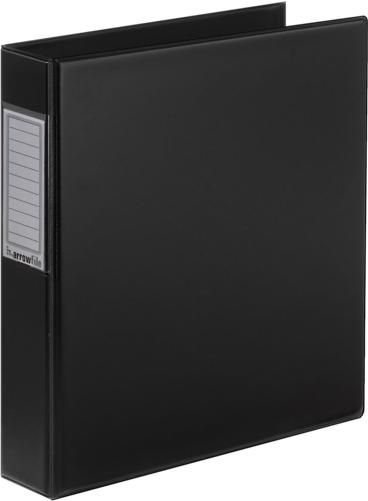
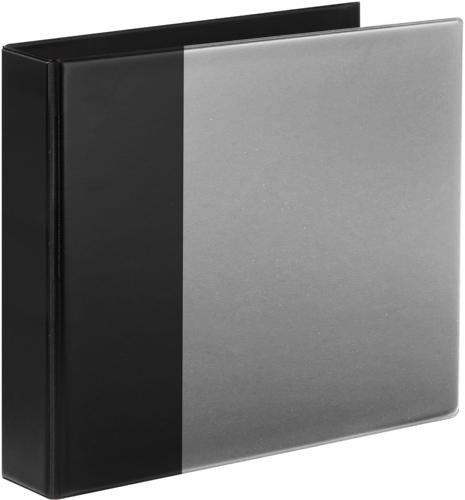
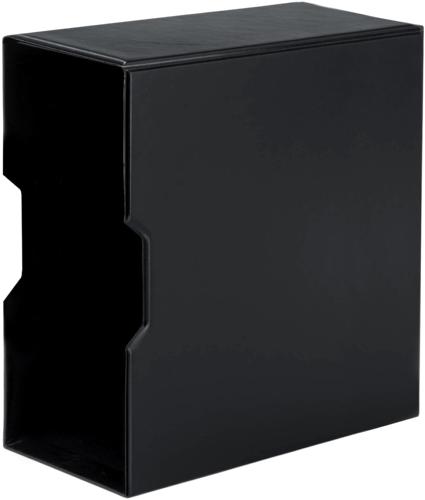
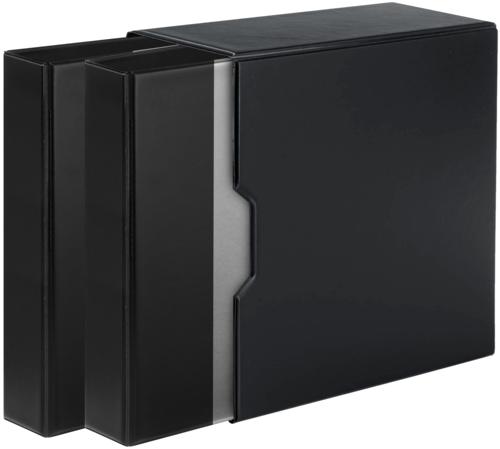
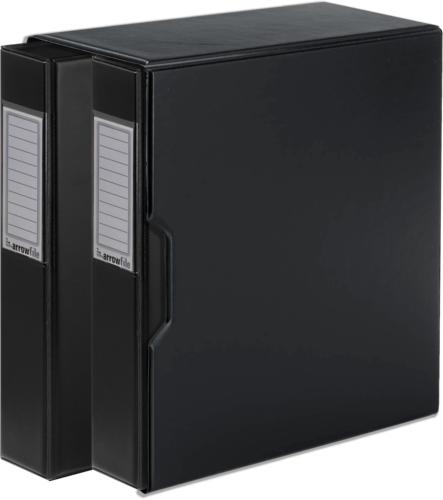
5. Store Discs Upright (book Style) in Arrowfile CD-Organiser.

  Information Pages
Why is Arrowfile different to other albums ?
Thousands of images are lost every day
Practical and Useful Archival Storage Tips
Protect Your Photos
Organise Your Photos
Cd-Rot
CD Tips
Protect and Organise Your CDs
 
Order: 0844 855 1100  
eCommerce Solution by Paraspar